VIZRT 5 DESIGN TUTORIAL
Broadcast Graphics Design from Beginner to Advanced
Take your Vizrt skills from the fundamentals to building complete broadcast-ready graphics packages.
Comprehensive Vizrt 5 training course: This course walks you through the entire Vizrt workflow, from understanding scenes and asset management to creating fully animated news and sports graphics packages.
Photoshop, After Effects and Vizrt 5 Graphic Workflow
Building A NEWS Package In Vizrt 5
News Lower Third
Vizrt Textures
Lower Third Design
Breaking News Banner
Over-The-Shoulder
News Bug
Full Page Animation
Building A SPORTS Package In Vizrt 5
Sport Design Intro
Sport Box Design 1
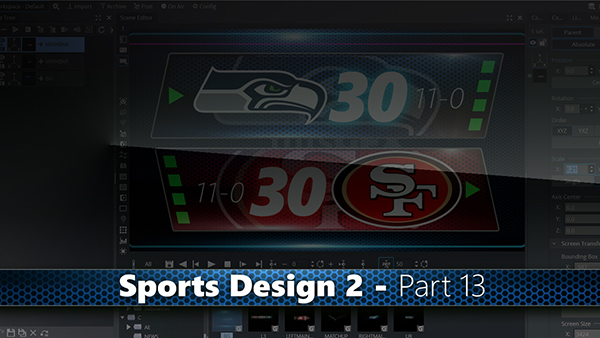
Sport Box Design 2
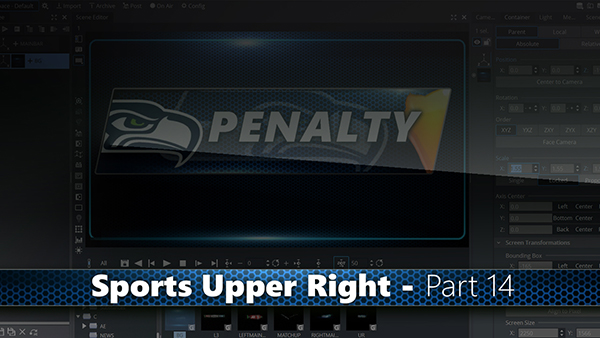
Upper Right Graphic
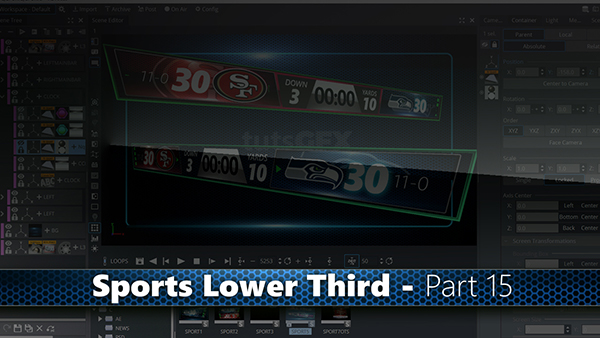
Lower Third Graphic
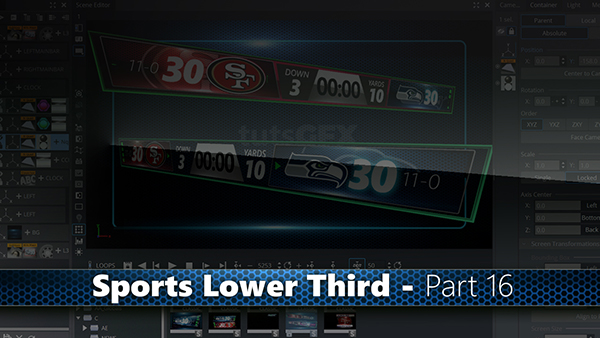
Lower Third Animation
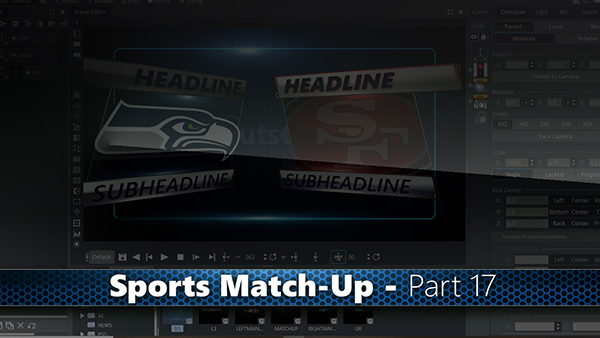
Match-Up Graphic
What You'll Learn
You'll learn not only how Vizrt works, but also how professional broadcast graphics are built, organized, animated, and controlled for live television environments. you'll work directly inside Vizrt 5 while also learning how to integrate industry-standard design tools such as Photoshop, Illustrator, and After Effects into your workflow.
Vizrt Fundamentals
Understanding Scenes, Geometries, Materials, and Material Definitions
Navigating Vizrt's Asset Management system
Organizing projects, folders, scenes, and reusable assets
Working with Classic Render Mode and Viz Engine Render Mode
Managing graphics for playout applications and newsroom workflows
Photoshop, Illustrator & After Effects Integration
Importing layered Photoshop PSD files as Vizrt scenes
Converting Photoshop artwork into editable Vizrt graphics
Importing After Effects compositions with animation and editable text
Building graphics with Adobe Illustrator and converting vector artwork into Vizrt geometry
Understanding what translates successfully between applications and Vizrt
Graphic Design Workflow
Understanding Scenes, Geometries, Materials, and Material Definitions
Navigating Vizrt's Asset Management system
Organizing projects, folders, scenes, and reusable assets
Working with Classic Render Mode and Viz Engine Render Mode
Managing graphics for playout applications and newsroom workflows
Materials, Textures & Visual Effects
Creating and editing materials and PBR material definitions
Building custom textures using Photoshop and Vizrt plugins
Creating reflections, gradients, highlights, and lighting effects
Working with materials, alpha channels, blend modes, and image mapping
Enhancing graphics with flares, masks, transparency, and visual effects
Animation & Motion Graphics
Mastering Vizrt's timeline and keyframe system
Creating entrance and exit animations
Working with position, scale, rotation, alpha, and texture animation
Controlling animation timing, easing, and interpolation curves
Building operator-controlled animations using stop points and continue actions
Creating dynamic text animations with Text Effects plugins
Template & Control Development
Creating editable text templates
Building graphics with switchable content using OMO controls
Creating dynamic graphics that support text, images, and video
Working with control plugins for newsroom and playout integration
Designing reusable graphic systems for live production
Sports Graphics Package Design
Creating reusable team branding elements
Designing score bugs, matchup graphics, and information panels
Building timeout, penalty, and instant replay graphics
Creating alternate team branding variations through logo and color swapping
Using dynamics, cloth simulations, masks, and animated effects
Building a complete sports graphics package from reusable components
Projects You'll Build
Animated lower thirds
Two-line news graphics
Breaking news banners
Live bugs and station identifiers
Over-the-Shoulder (OTS) graphics
Full-page graphics
Team-branded sports graphics
Reusable template systems
Modular graphic packages for broadcast production